



• The Digital Revolution Agency

    REVOLUTIONIZING

    THE WEB

    WE CREATE DIGITAL EXPERIENCE

    know More
  • The Future. Now.

    The Future. Now.

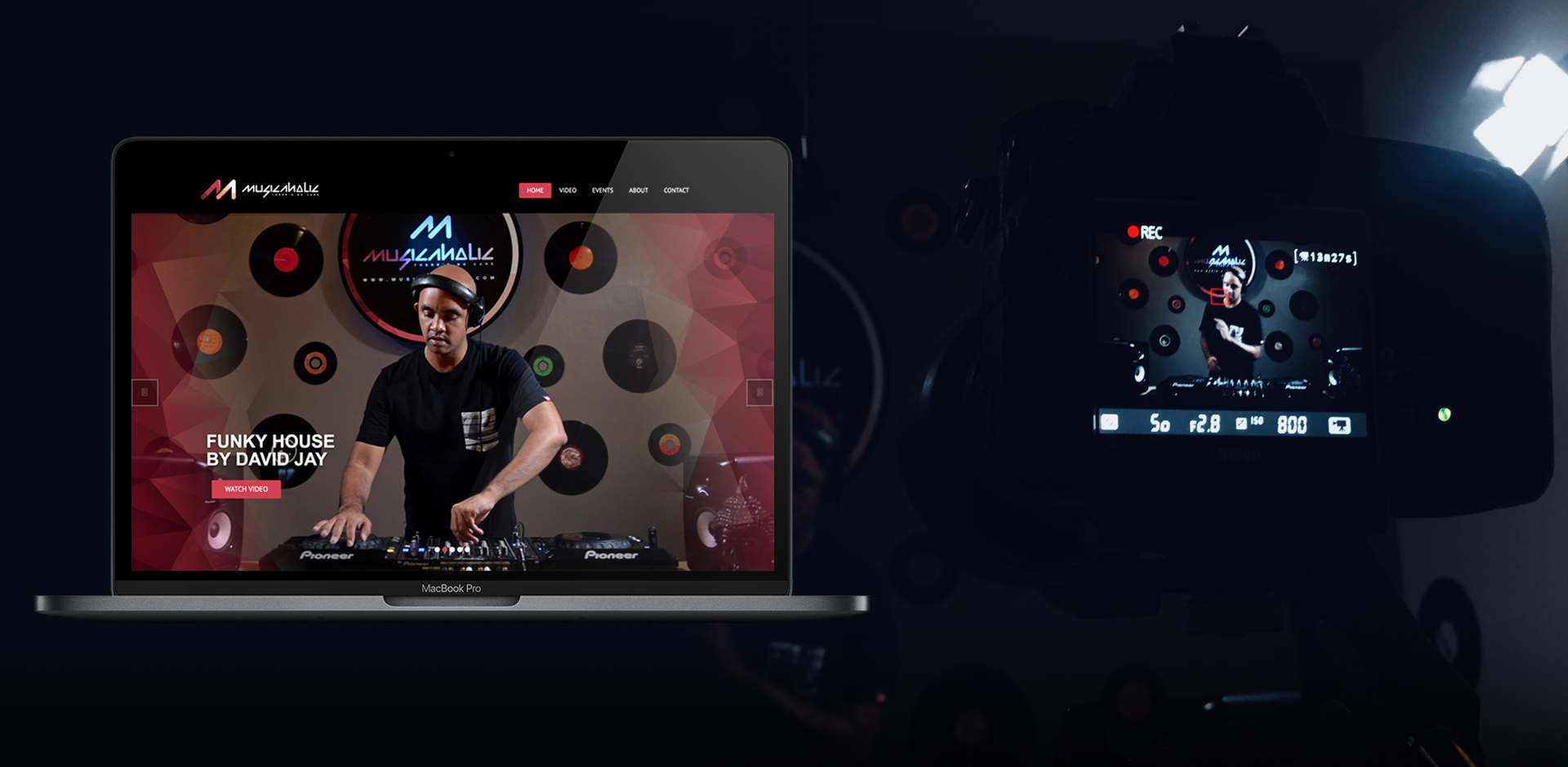
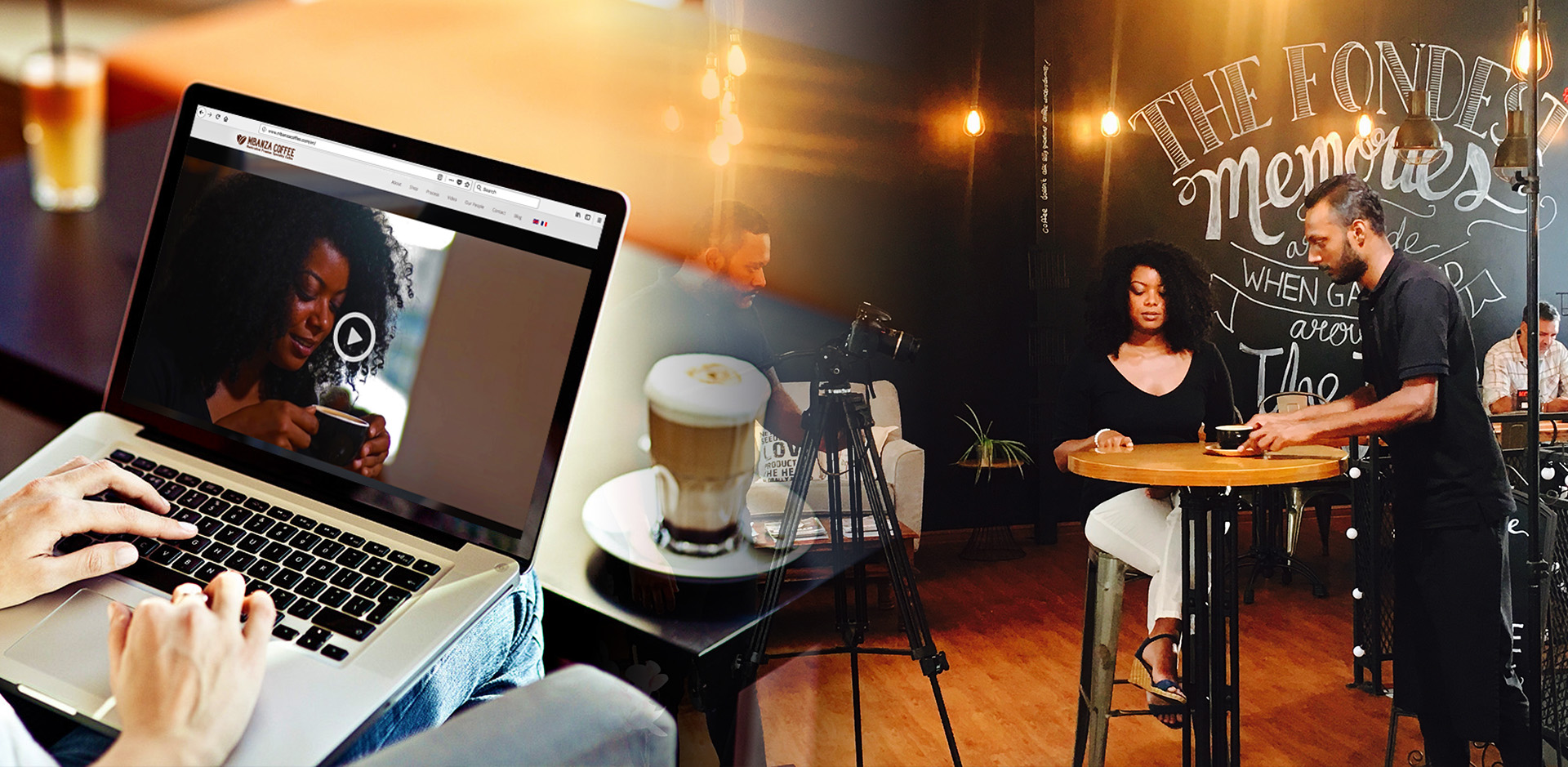
    INNOVATIVE CONTENT

    To succeed, organizations must reinvent—and be relevant to—the future.

    Learn More
  • Bon koko

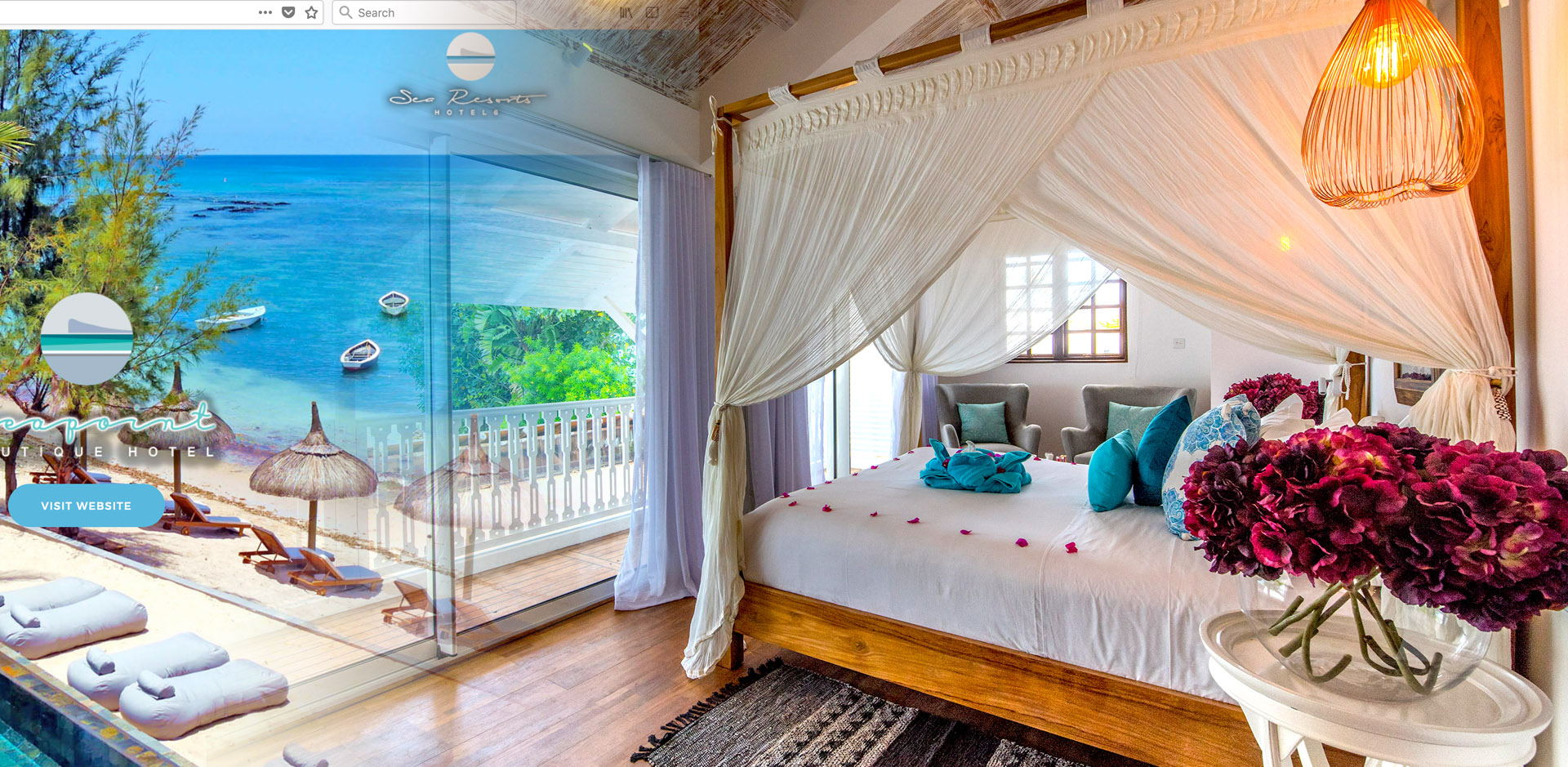
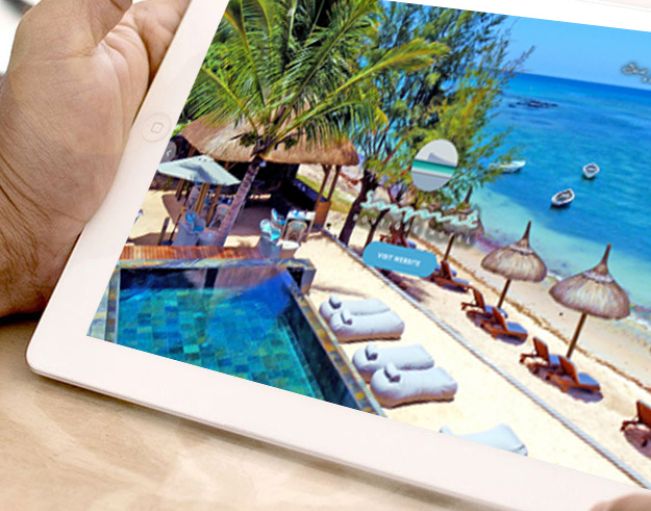
    Luxury Hotels

    Digital Experience

    ~ Photography, Videography ~

    Learn more
  • Digital Love

    We Create Digital Love

    The Future. Now.

    We use digital mediums to create emotions between brands and consumers

273

Completed Projects

We craft beautifully useful marketing and digital products that grow businesses.

elevation_concept-digital_love

The Digital Revolution Agency

If Internet is made of servers, cables and electronic components, the magic of its technological chemistry lies
in our ability to make it an emotional territory.
We use digital mediums to create emotions between brands and consumers.

LEARN MORE
Construction

User Experience
Design

We believe experiences are more impactful than impressions.


Building Renovation

Development
Implementation

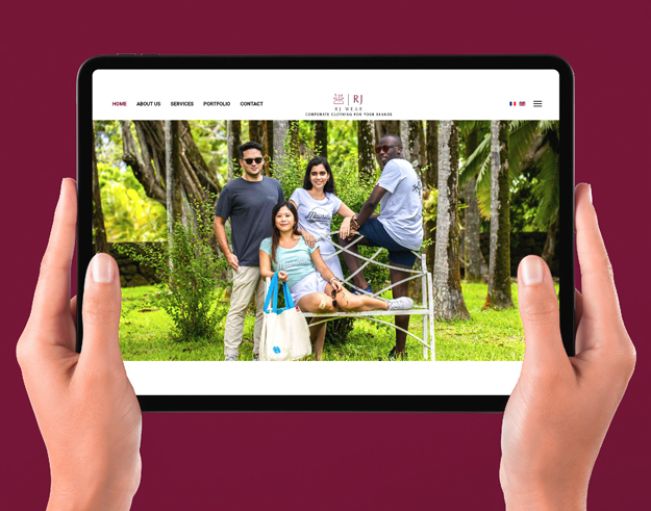
We specialize in connected digital interfaces that allow customers to interact with brands in natural, intuitive ways.


Architecture

Marketing
Science

We help our clients integrate strategic data opportunities in the core of their business.


Our Expertise

WE ARE A FULL-SERVICE DIGITAL EXPERIENCE DESIGN AGENCY


Strategy and Planning

Strategy
and Planning

To kick start your business, you need a great plan for your brand.

Creative, UI, UX & Content Development

Creative, UI, UX
& Content Development

Get people to experience and understand your brand by being creative

Marketing / Advertising

Marketing
/ Advertising

We plan, develop and execute quality marketing strategies and advertisements to maximize your ROI

Website Solutions / Technology

Website Solutions
/ Technology

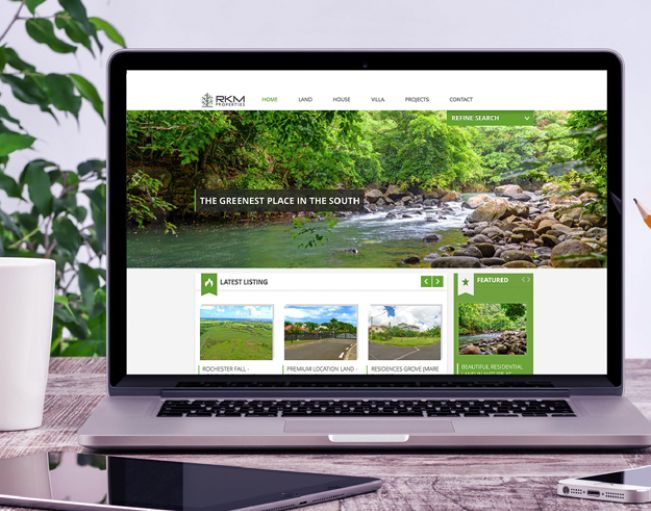
Potential clients are always connected and want to have the ability to find your business at a click.

Awareness & Social Media

Awareness
& Social Media

People are online more than ever. No wonder social media has become the most powerful cost effective advertising solution.

Analytic & Measurement

Analytic
& Measurement

We are here to make the most out of all marketing and advertising we do for your business.

quote icon
  • "The team at Elevation Concept was extremely professional, met all targets on a very tight schedule and produced an exemplary digital marketing and website that I continue to receive positive comments about. I look forward working with you in the future."

    S. Seetaram
    S. Seetaram CEO - SARAKO
  • “Professionalism and exceptional customer service. I am delighted to say that working with Elevation Concept is a rewarding experience. Elevation Concept create impactful creative and digital campaign.”

    F. Dawood
    F. Dawood GM - Pioneer Mauritius
  • “The team at Elevation Concept are creative, efficient, and effective. Having worked with them for over 1 year, we are always impressed with their photography and digital skills”

    G. Ayoub
    G. Ayoub CEO - Sea Resorts
  • "An excellent professional agency, but more importantly the most incredible support you will ever see. Very proactive and professional."

    D. Ramanah
    D. Ramanah Head IT - Rose Hill Transport
  • “I tell other business owners, if you want advertising, Photography and digital marketing that’s done right, and a truly dedicated team of professionals, you need to work with Elevation COncept. They truly go above and beyond and care about your business."

    R. Ghoorah
    R. Ghoorah CEO - Decorum Lifestyle

[heading size="h2" style="uk-module-title"]Buttons[/heading]

To create a button, use the [button] shortcode and customize it using the various parameters available

ParameterDescriptionParameters
Style Defines the button style or class default, line, primary, success, danger, link
href url link of the button n/a
Target specifies where to open the linked document _blank, _self, _parent, _top
[line_break/] [heading size="h3" style="uk-module-title"]Examples[/heading] [button style="default" href="#" target="_self"]Default link[/button] [button_input style="primary" href="#" target="_self"]input button[/button_input] [line_break/] [line_break/] [badge style="note uk-margin-top"]markup[/badge] [code] [button style="default" href="#" target="blank"]button[/button] [button_input style="primary" href="#" target="blank"]button[/button_input] [/code] [line_break/] [heading size="h3" style="uk-module-title"]Button variations[/heading] [button style="default" href="#" target="_self"]Default[/button] [button style="primary" href="#" target="_self"]Primary[/button] [button style="success" href="#" target="_self"]Success[/button] [button style="danger" href="#" target="_self"]Danger[/button] [button style="line" href="#" target="_self"]Line[/button] [button style="link" href="#" target="_self"]link[/button] [line_break/][line_break/] [badge style="note uk-margin-top"]markup[/badge] [code] [button style="default" href="#" target="_self"]default[/button] [button style="primary" href="#" target="_self"]primary[/button] [button style="success" href="#" target="_self"]success[/button] [button style="danger" href="#" target="_self"]danger[/button] [button style="line" href="#" target="_self"]line[/button] [button style="link" href="#" target="_self"]link[/button] [/code] [line_break/] [heading size="h3" style="uk-module-title"]Button sizes[/heading]

You can add different size classes to your button to create button size variation using the size classes uk-button-mini, uk-button=small or uk-button-large

[button style="color uk-button-mini" href="#" target="_self"]mini button[/button] [button style="color uk-button-small" href="#" target="_self"]small button[/button] [button style="color" href="#" target="_self" size=""]default button[/button] [button style="color uk-button-large" href="#" target="_self"]Large button[/button] [line_break/][line_break/] [badge style="note uk-margin-top"]markup[/badge]

[code][button style="color uk-button-mini" href="#" target="_self"]mini button[/button] [button style="color uk-button-small" href="#" target="_self"]small button[/button] [button style="color" href="#" target="_self"]default button[/button] [button style="color uk-button-large" href="#" target="_self"]Large button[/button][/code]

[line_break/] [heading size="h3" style="uk-module-title"]Button group[/heading]

To create a button group, wrap the [button_group] shortcode around the buttons that you'd like to be in the same group.

[button_group] [button style="color" href="#" target="_self"]small[/button] [button style="color" href="#" target="_self"]medium[/button] [button style="color" href="#" target="_self"]large[/button] [/button_group] [line_break/][line_break/] [button_group] [button style="color uk-button-small" href="#" target="_self"]bad[/button] [button style="color uk-button-small" href="#" target="_self"]average[/button] [button style="color uk-button-small" href="#" target="_self"]good[/button] [/button_group] [line_break/][line_break/] [badge style="note uk-margin-top"]markup[/badge]

[code][button_group] [button style="color" href="#" target="self"]small[/button] [button style="color" href="#" target="self"]medium[/button] [button style="color" href="#" target="self"]large[/button] [/button_group][/code]

[line_break/] [heading size="h3" style="uk-module-title"]Button with icons[/heading]

To create a button with icon, add the [icon] shortcode besides the text of the button. Click here to see a list of all icons

[line_break/] [button style="color" href="#" target="_self"]complete [icon style="icon-check"/][/button] [button style="success" href="#" target="_self"]events list [icon style="icon-caret-down"/][/button] [button style="default" href="#" target="_self"][icon style="icon-camera"/] gallery[/button] [button style="link" href="#" target="_self"]Download [icon style="icon-cloud-download"/][/button] [line_break/][line_break/] [badge style="note uk-margin-top"]markup[/badge]

[code][button style="default" href="#" target="_self"]gallery [icon style="icon-camera"/][/button][/code]

[line_break/] [heading size="h3" style="uk-module-title"]Icon buttons[/heading]

You can create icon buttons using the [icon_button] shortcode. These can come in handy especially when creating social icons.

[line_break/] [icon_button icon="twitter" url="#" target="_self"][/icon_button] [icon_button icon="dribbble" url="#" target="_self"][/icon_button] [icon_button icon="facebook" url="#" target="_self"][/icon_button] [line_break/][line_break/] [badge style="note uk-margin-top"]markup[/badge]

[code][icon_button icon="twitter" url="#" target="_self"][/icon_button] [icon_button icon="dribbble" url="#" target="_self"][/icon_button] [icon_button icon="facebook" url="#" target="_self"][/icon_button][/code]

Contact us

+230 5448 4878 - Office

+230 5756 4373 - Mobile


Location

Elevation Concept Ltd

Stevenson Road, Les Casernes, Curepipe,

Mauritius


Send us email

support@elevationconcept.com

info@elevationconcept.com


demo


We are a digital agency from Mauritius.
We feed on Technology. Design is the land we belong.
Passion is the air we breathe.